Textida
Text editor for Windows, macOS and Linux that handles large files, with a hex view and Markdown preview. Preview release 0.1.4 also ships packages for Linux ARM64.
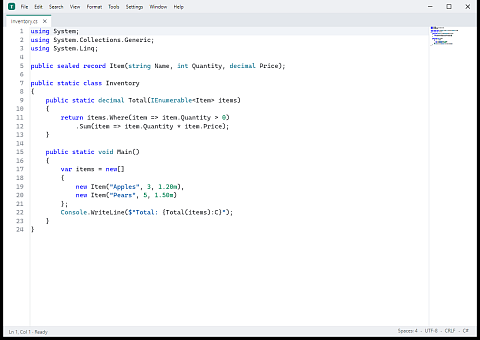
Textida is a text editor for Windows, macOS and Linux. Besides source code it opens logs, CSV and binary files. It is written in C# with .NET 10 and Avalonia 12 and released under the MIT licence. Preview version 0.1.4 came out on 1 November 2026.
Editing large files
A paged core reads parts of the file on demand and keeps changes separate from the original. On save it preserves untouched bytes, including the chosen encoding and line endings. The file does not have to be loaded into memory in full. The conditions of each measurement and the limits of individual operations are in the README.
The editor has text and regular expression search, a hex view, text comparison, local history and CSV and TSV table editing. Textida is a standalone program inspired by PSPad; it uses none of PSPad's code or data, and the installer does not touch an existing PSPad installation.
Markdown: reading, editing and source
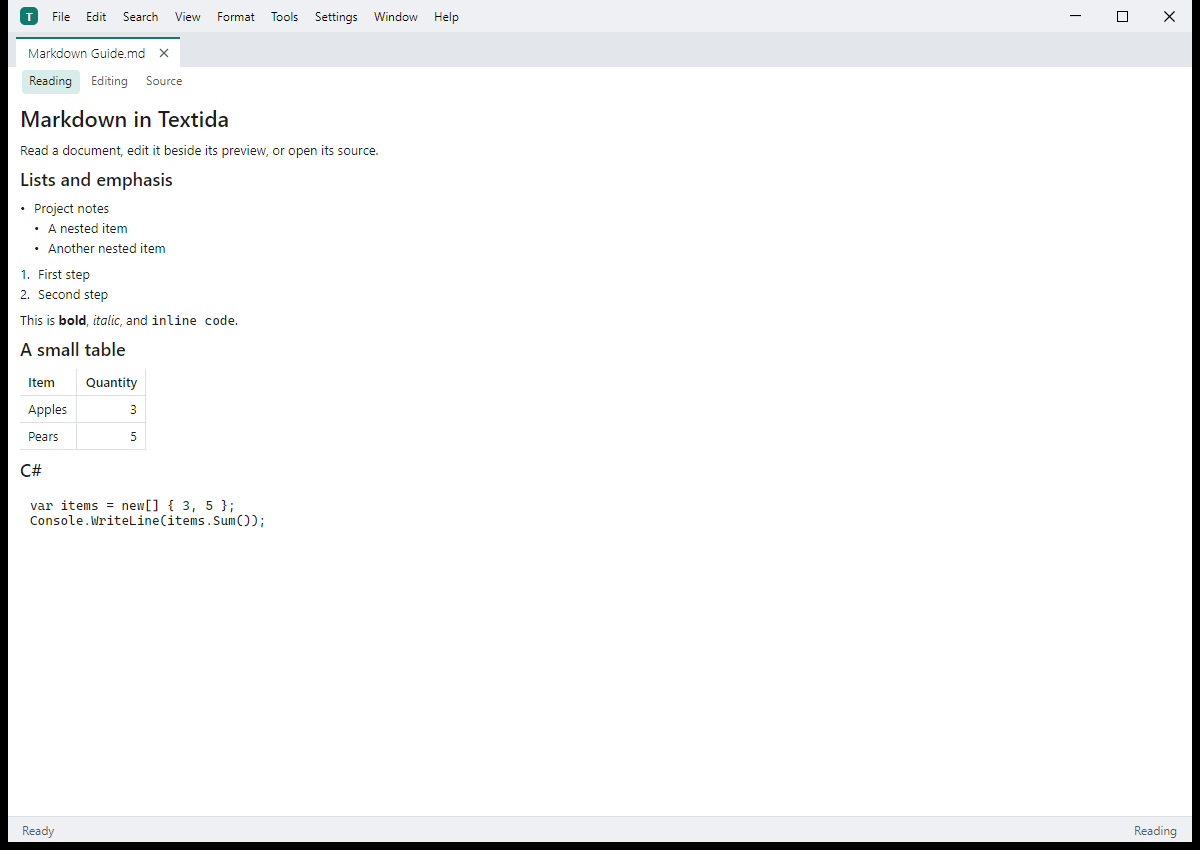
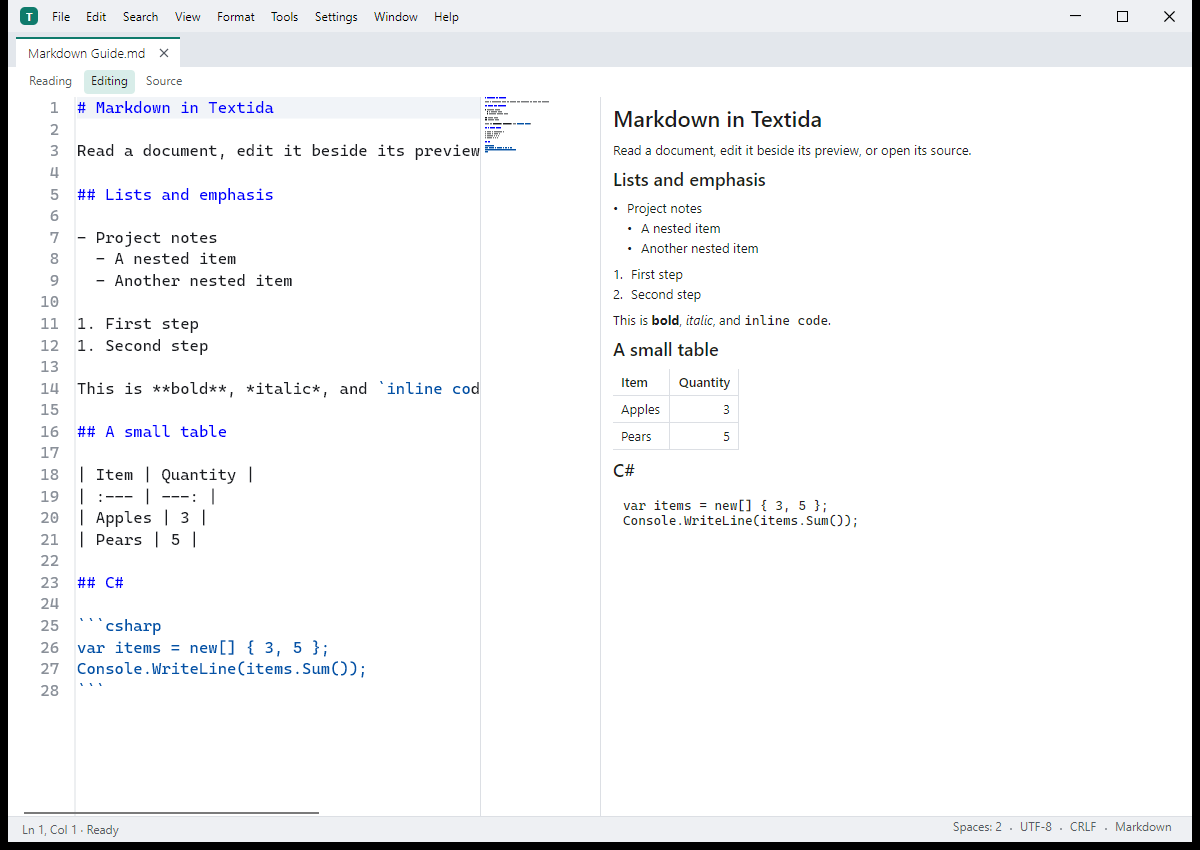
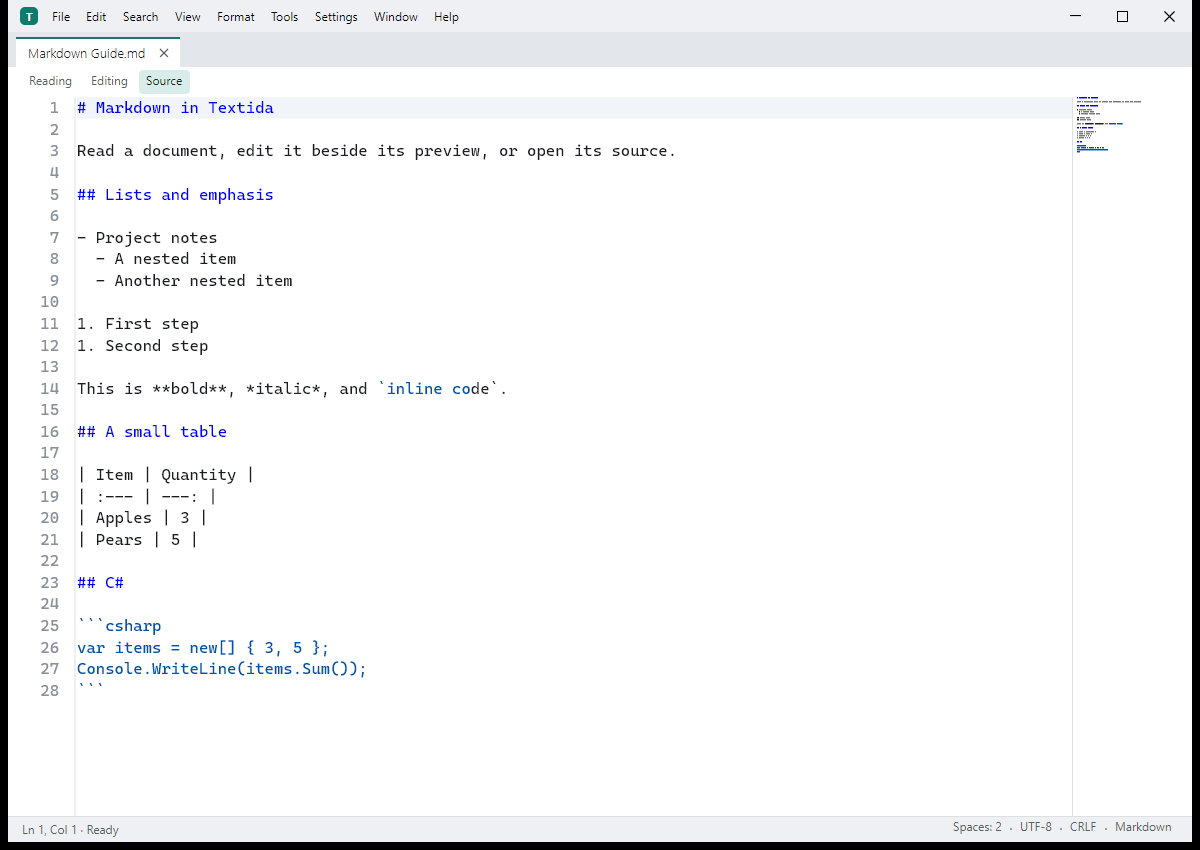
A document can be read as a page, edited next to a live preview or opened as source. The preview renders nested lists, tables and code blocks. The generated table of contents and internal links use the same headings as the preview.
HTML inside Markdown stays plain text and scripts do not run. Images from the web load only after you allow the specific server.
Plugins and connected tools
The package includes plugins for Emmet, Git, JSON, LSP, formatting and text tools. They run as separate processes with their own permissions. The textida-mcp program connects an MCP client to the running editor over local inter-process communication; neither the editor nor its server has to be reachable from the network. How to enable and use it is described in the repository documentation.
Installation
- Windows 10 22H2 and Windows 11, x64: a per-user installer that needs no administrator rights, or a portable ZIP.
- macOS 14 and later: DMG and ZIP for each type of Mac. The current packages are ad hoc signed and not notarised.
- Linux x64 and ARM64 as a preview: a
.debpackage or a.tar.gzarchive with an install script. Requirements for Debian, Ubuntu and other distributions are listed in the README.
Packages and their SHA256SUMS.txt are on the releases page. For Debian and Ubuntu, both Linux architectures are also available from an APT repository; the README explains how to add it. Windows SmartScreen and macOS Gatekeeper may show a warning on first launch: signed update metadata does not replace a publisher's code signing certificate.
Updates with signature verification
The user starts the check from the Help menu; the automatic check on startup is off by default. The editor contains a public key for verifying the signed update feed. An ECDSA P-256 signature protects the metadata, and the downloaded package must match the signed size and SHA-256 hash.
On Windows, an installer helper replaces the installation after the editor closes. macOS requires a signed and notarised package for self-updating, so the current preview releases are installed manually. An installation managed through APT is updated with APT.
What is verified and what remains open
The 0.1.4 release packages are built with NativeAOT. On all five variants, launching the editor and the bundled programs and rendering Markdown passed the check. For memory use, Windows is verified to stay under 64 MiB on a 2 GiB file (peak 17 MiB). A test on a 10 GiB file passed on 2 November 2026 on a development build after 0.1.4. Core figures measured without rendering are not a measurement of the whole application's responsiveness.
Linux remains a preview platform. Automated accessibility tests do not amount to complete verification of the application with a real screen reader. Textida is still in development; feature status, build steps and testing are documented in the repository.
Source code and bug reports
The GitHub repository contains the source under the MIT licence. The README explains installation and use; bugs are reported through GitHub Issues.